01 / WORDS WITH A HOME
A letter, just for them.
Write what matters on beautiful stationery. Tuck it into a photo that means something to you both.
Make it personal
For the things you hold close
Every image holds a secret.
A letter. A familiar voice. A moment just for you.
Hide something meaningful inside a photo, and choose how its story unfolds.
Some things are worth keeping.
 Letters
 Photos
 Audio
 Video
 Documents
Small secrets. Real meaning.
Not everything belongs in a feed.
Give your words, memories and little pieces of life a more personal place.
01 / WORDS WITH A HOME
Write what matters on beautiful stationery. Tuck it into a photo that means something to you both.
Make it personal
02 / MORE THAN WORDS
A familiar voice, a favorite video, a treasured photo. Hide audio, images, videos and documents, too.
See what is possible
03 / SHARED MOMENTS
A private space for the inside jokes and memories you share. Hide a message for a friend, and watch them find it.
Explore shared momentsA reveal worth waiting for
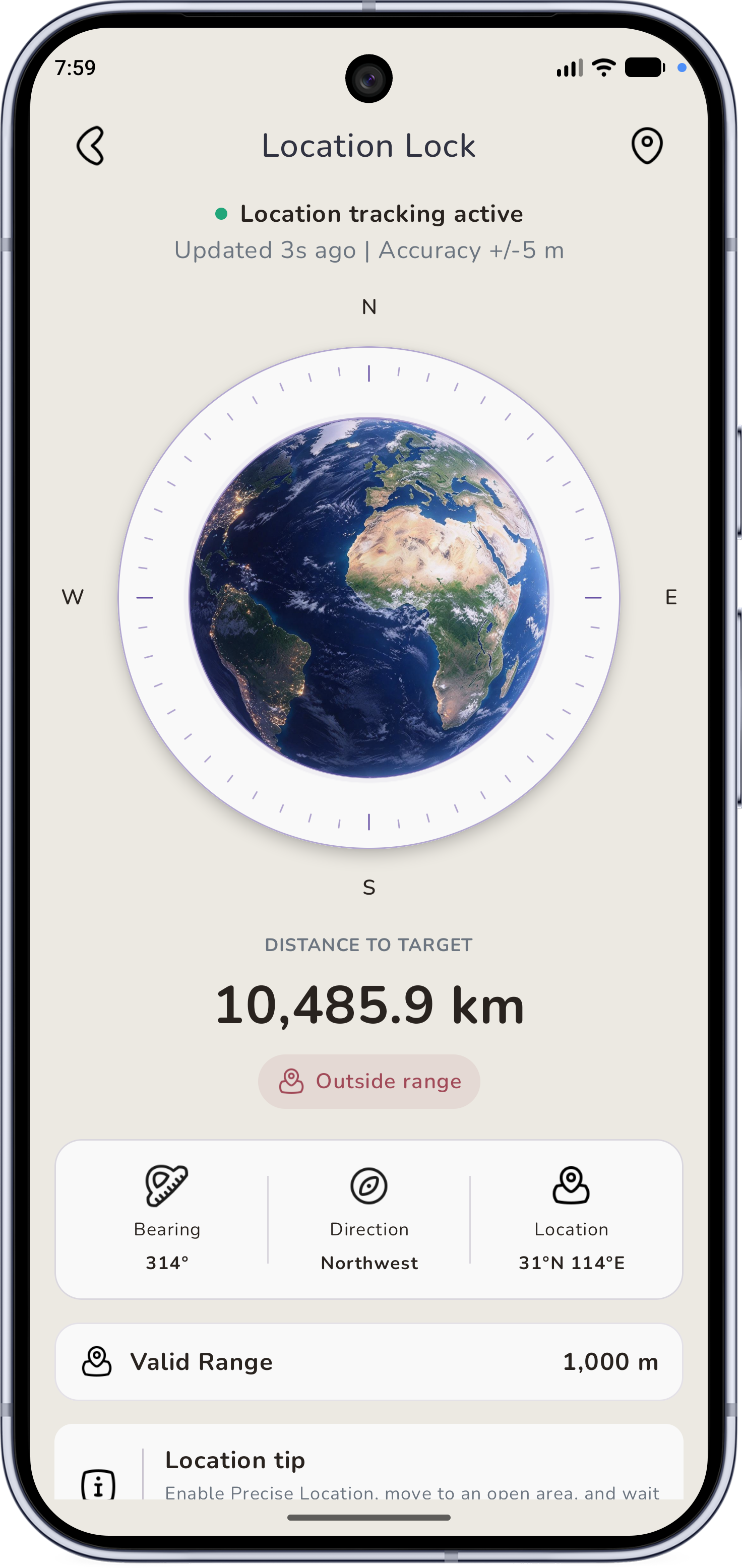
Give a secret its own conditions. Add an optional password, a future moment or a meaningful place.
Combine locks to make it yours. Every selected condition must be met. Biometric Quick Unlock only replaces the access-key step.
Meet Hidden Letter
Simple, from the very first letter
01 / CREATE
Write a letter or pick a file. Choose an image to carry the content hidden inside.
02 / SEAL
Add optional locks. Save your secret image and its matching QR code somewhere safe.
03 / REVEAL
Import the original image, meet the selected conditions and use its access key to unlock the secret.
A little care goes a long way. Share the original image as a file, not a compressed photo. Editing or cropping may damage hidden content. Keep a backup of your image, matching QR code and password.
Good to know
Before you tuck something meaningful into a picture.
Letters, photos, audio, videos and documents. Capacity depends on the carrier image and the selected hiding mode. The app shows how much space is available before you create a secret.
Send the original image as a file or document. Messaging and social apps may compress photos, which can damage the hidden data. Avoid resizing, cropping, filters or other edits.
No. On-device biometrics can replace the QR-code and password access-key step. Time and location conditions still apply. Changing your device or biometric settings may disable Quick Unlock.
The library keeps local records and image references, not the decrypted content itself. Keep your original secret images and their matching QR codes backed up separately.
The matching QR code carries access-key information used to unlock your image. Keep it together with your unmodified image and remember any password you set. Do not rely only on device-local biometric access.
For words meant for someone
Start with a letter. Leave a little mystery.
Make an ordinary image mean more.

